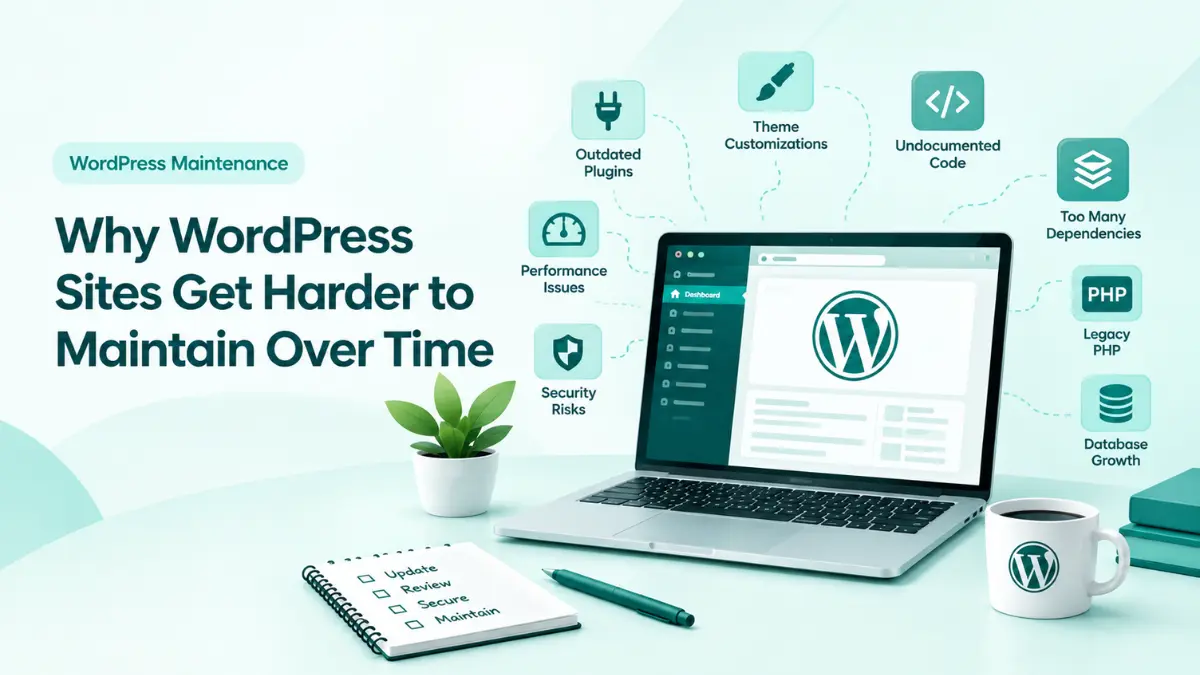
A WordPress website breaks, and the client needs it fixed immediately.
So a developer adds a small workaround, installs another plugin, changes a theme file, or hides the visible problem with CSS.
The website works again.
But what happens six months later?
That quick fix may have become part of the website’s architecture. Another feature may depend on it, another developer may not understand it, and removing it may create even more problems.
This is how technical debt grows in WordPress.
A quick fix is not always bad. Sometimes a temporary solution is necessary. The problem is when temporary solutions become permanent without being reviewed or documented.
Why Quick Fixes Become Expensive
“it works” does not always mean “it is maintainable”.
Installing multiple plugins for one feature
Editing third-party theme files directly
Adding large amounts of CSS to hide layout problems
Hardcoding values that should be configurable
Suppressing errors instead of investigating them
Adding undocumented custom functions
Making database changes without recording them
The Hidden Cost of Technical Debt
Developers
Forced to spend hours reverse-engineering fragile patches, deciphering mystery filters, and untangling conflicts before implementing any new feature.
Agencies
Burdened by burned retainers, unpredictably bloated estimates, and reputational risk when a routine update unexpectedly collapses production.
Project Managers
Stuck navigating blown delivery timelines, erratic sprints, and difficult client conversations caused by unmapped technical dependencies.
Clients
Paying repeatedly for work already billed, enduring sluggish site performance, and facing expensive full-site rebuilds prematurely.
How to Handle Quick Fixes Properly
01
1. Is this temporary or permanent?
If it is temporary, make a note to review it later.
01
2. What could this affect?
Consider plugins, themes, WordPress updates, PHP versions, APIs, and databases.
01
3. Will another developer understand it?
Add a short comment or documentation explaining why the workaround exists.
“The mistake is forgetting that you took one.”
Final Thoughts
“The goal is to make sure today’s quick solution doesn’t
become tomorrow’s maintenance problem.”