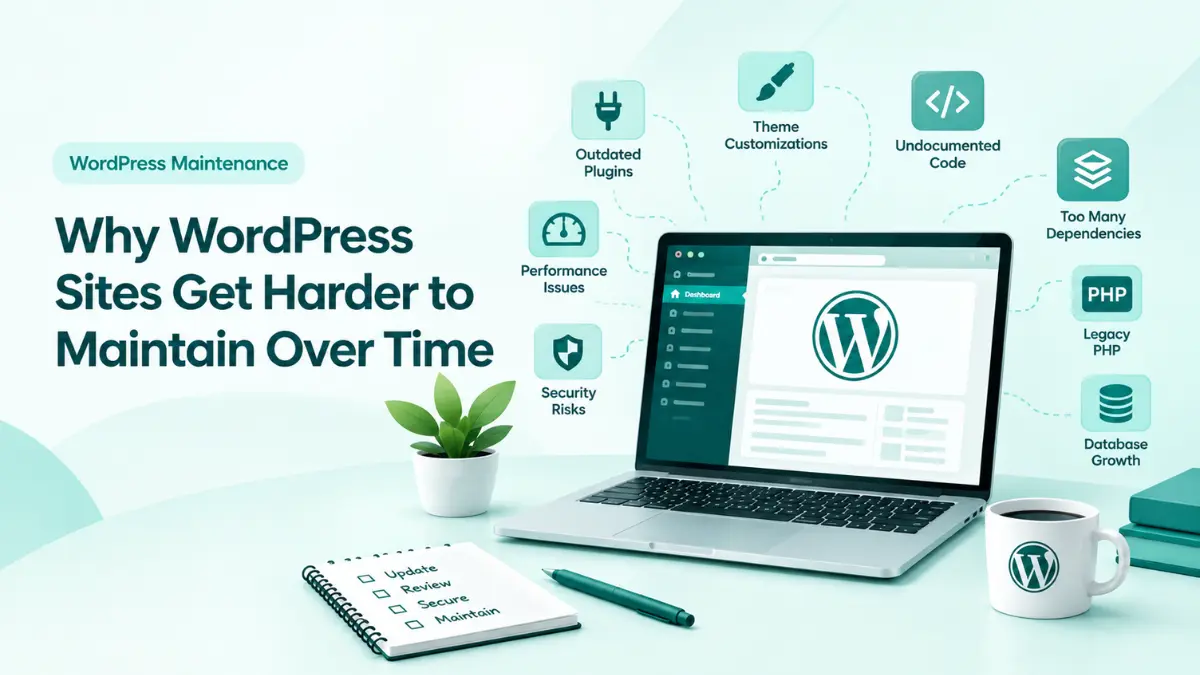
A WordPress website rarely fails overnight. Instead, maintenance difficulty increases gradually. Over months or years, simple updates become unpredictable, debugging takes longer, and developers hesitate to touch working code.
Understanding why this happens is the first step toward keeping WordPress maintainable over time.
How WordPress Sites Lose Structure
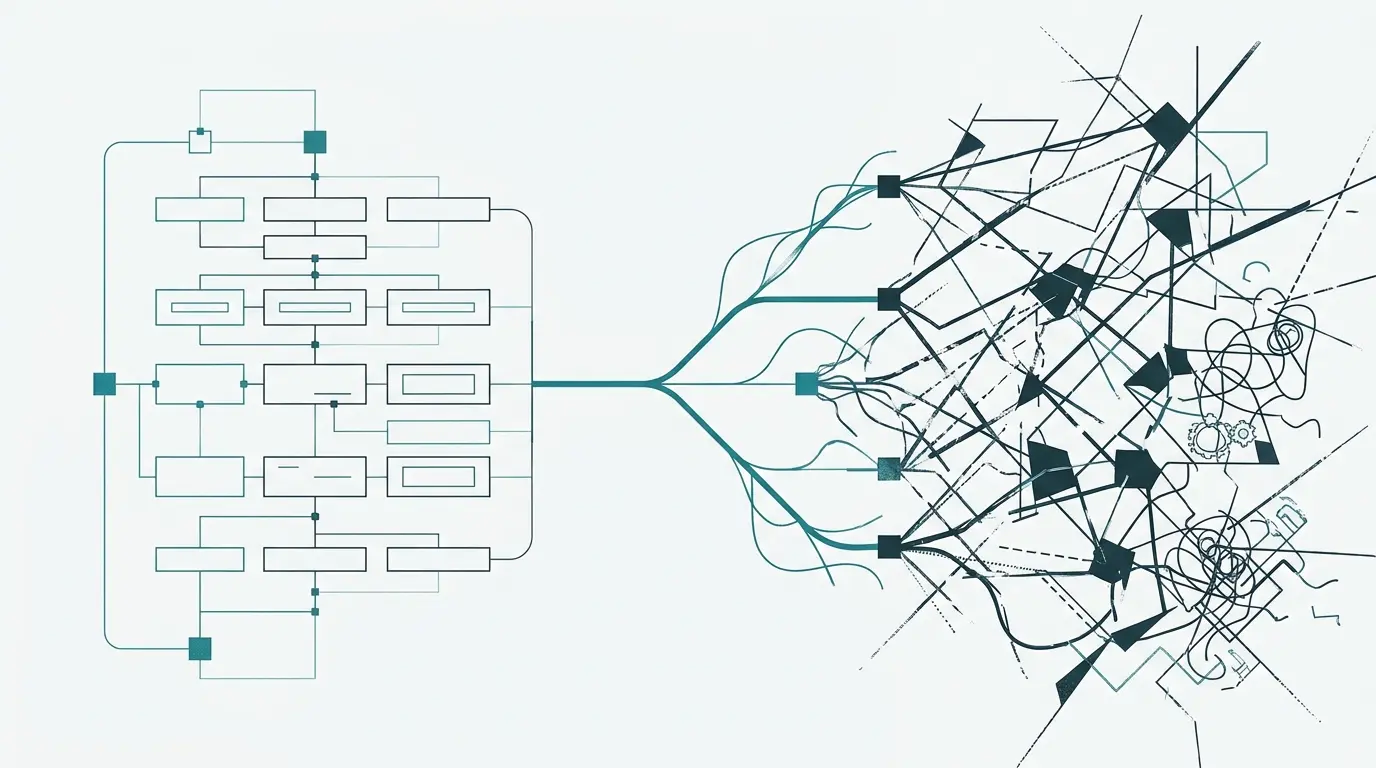
Most WordPress websites do not follow a single plan from launch to retirement. As business needs evolve, new tools, integrations, and developers are introduced. Each change solves an immediate problem, but without long-term architectural oversight, the system becomes fragmented.
“It still works” is not the same as “it is easy to support.”
Eventually, developers spend more time answering questions than writing code:
Which plugin controls this feature?
Where is this custom functionality?
Can I safely update the theme?
Why does this function exist?
What will happen if I remove this plugin?
Can the PHP version be upgraded
safely?
When nobody knows the answers, routine maintenance becomes high risk work.
What Should You Check Before Taking Over an Older WordPress Site?
Before performing updates, refactoring code, or adding features to an existing site, conduct a thorough initial evaluation across its core structural layers:
WordPress version
PHP version
Hosting environment
Database
Themes and child themes
Plugins and dependencies
Cron jobs
Caching and CDN
Backup process
Safe Diagnostics & Database Care
Never troubleshoot an active environment blindly. Standard debugging should isolate errors into local logging files rather than revealing sensitive stack traces on live user facing screens:
define( 'WP_DEBUG', true );
define( 'WP_DEBUG_LOG', true );
define( 'WP_DEBUG_DISPLAY', false );
“Never clean a production database simply because something looks old.”
“Make the decision based on the architecture not frustration.”
COMMON QUERIES
Frequently Asked Questions
No. Start with an audit. Many websites can be improved through structured cleanup and refactoring.
Not automatically. Plugin count alone is not a reliable measure. Unnecessary, outdated, or overlapping dependencies are a larger concern.
No. First understand what created it and confirm that it is safe to remove.
Not automatically. The decision depends on functionality, security, compatibility, ownership, development effort, and long-term maintenance.
There is no universal schedule. Sites that change frequently or support important business processes generally need more regular maintenance reviews.